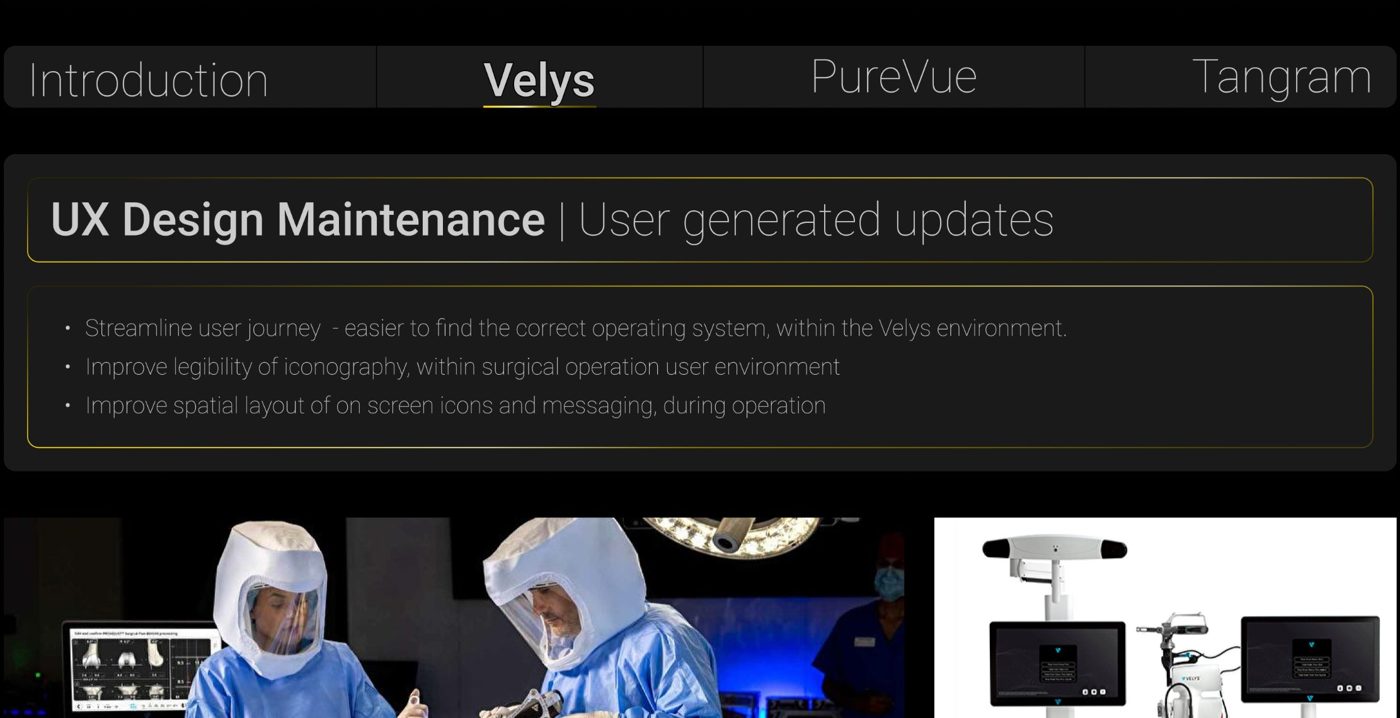
My work focused on the on-screen environment surgeons interact with directly in theatre: toolset selection menus, the surgical planning interface, and iconography that has to work instantly, under pressure, for surgical teams operating in dozens of languages worldwide.
The toolset licensing problem
One early decision shaped a lot of what followed: when a surgical team doesn't hold the license for an additional toolset, like Unicompartmental Knee tools, should that option appear on screen at all — visible, disabled, or hidden entirely?
I chose to exclude it. The user has no path to activate that option from the device UI — licensing changes happen far outside the screen they're looking at. Showing a disabled option they can't act on creates a dead end, not a helpful signal.
Designing for language, not text
With users spanning dozens of languages, on-screen labels needed to carry meaning without relying on translation. I replaced lengthy, multi-hyphenate text labels with instantly recognisable imagery, correctly aligning each icon in the ribbon button set to the exact anatomical elevation it represented on screen — building responsive, relational component sets a dev team could build from directly, not just reference.
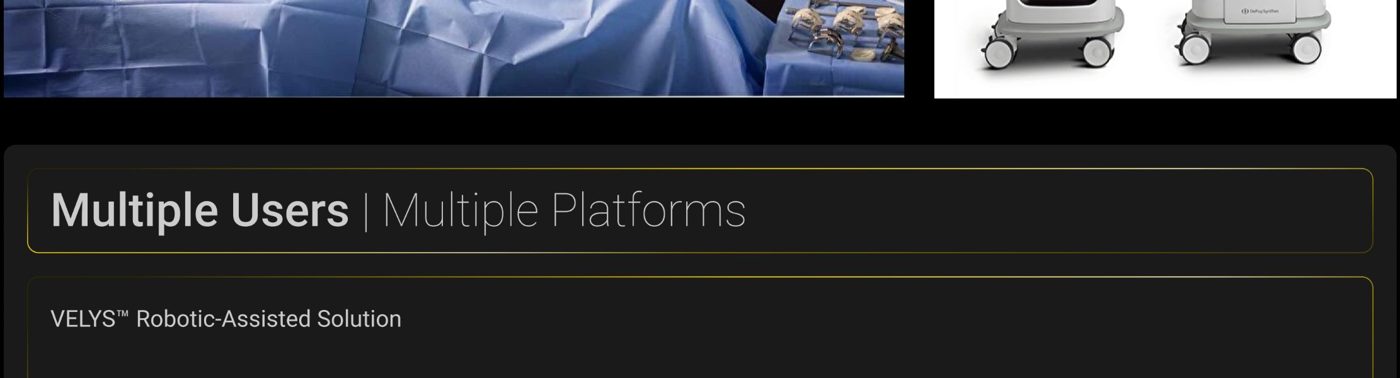
Total & Unicompartmental Knee toolset menus — the licensing decision in practice.